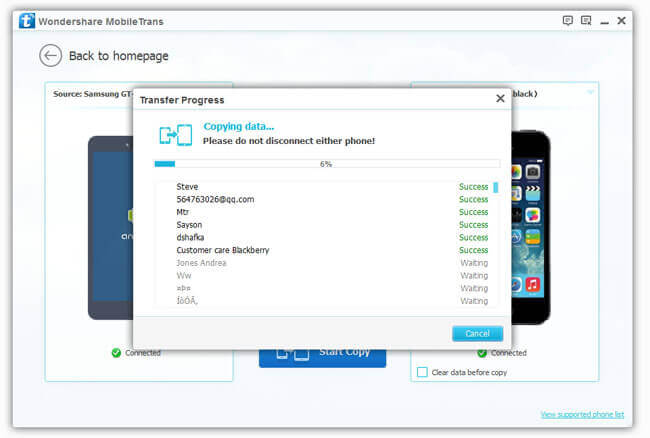
When iPhone 7/7 Plus has displayed as a powerful device, do you want to possess one? Do you prefer iPhone to Samsung? If the answer is "Yes", maybe you will finally switch old Samsung for new iPhone. However, you should transfer some important messages from the old phone to the new one, and I understand to copy messages to one by one is really tiresome. Consequently, you need a tool to transfer SMS from one phone to another directly.
Here I want to recommend a program named Mobile Transfer. It is designed for moving data such as contacts, text messages, photos, call history, music, video and apps between two phones directly. Whether that two phones use the same platforms or different, this software can transfer SMS in one click.
Can't wait to try it? Please download Mobile Transfer at first:
The Way to Transfer SMS from Samsung to iPhone
Step 1. Launch the Program in Computer
Install the program and your PC will show up the primary window.
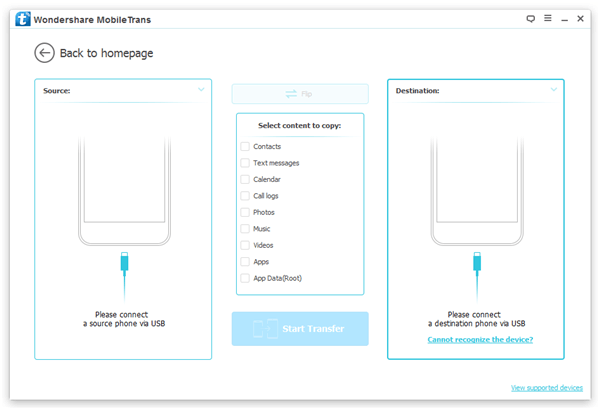
Step 2. Plug Two Phones to Computer
Connect your Samsung and iPhone to PC, you will see this picture. It shows the transmission direction from Samsung to iPhone. You can click "Flip" to change the position. Now the program is detecting content of Samsung, please wait a moment.
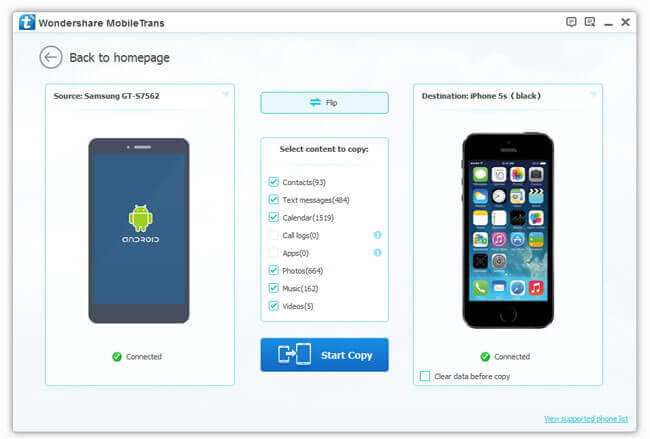
Step 3. Transfer Samsung SMS to iPhone
Having all the data in Samsung detected, you can choose "Text Messages" and start the program by clicking "Star Copy". It will take some times, when it stops working, you will find SMS in Samsung are placed in your new iPhone.